GTA 6 Download Time on PS5 and Xbox
GTA 6 needs about 210 GB on PS5 and up to 212 GB on Xbox Series X|S, so a 100 Mbps line spends roughly four hours and forty minutes downloading.
Download time by speed
GTA 6 download time depends on your internet speed, and that speed will decide whether you are playing at launch or still watching a progress bar. Grand Theft Auto VI takes about 210 GB on PS5 and as much as 212 GB on Xbox Series X|S. You could pre-load it starting November 10, and the game becomes playable at midnight in your local time zone on November 19, 2026. I think starting early matters more than raw speed, since a slow line started early beats a fast line started late.
Quick answer: On a 100 Mbps connection running at full speed, GTA 6 takes about 4 hours 40 minutes to download. Faster plans finish sooner, and slower ones can take a full day or more. Scale that figure up or down against whatever speed your plan actually delivers at home.
The release time is midnight in your own time zone, not one global moment, so the UTC time is different depending on where you live. In the UK, midnight local on November 19 is 00:00 UTC. Anywhere west of that unlocks later in UTC terms, and anywhere east unlocks earlier. Pin that down before launch night, since the download still has to finish before your local midnight arrives.
These times are for the 210 GB PS5 download, and they assume your connection holds its full speed from start to finish. Treat the table as a best case and leave room around it.
| Connection speed | Download time (210 GB) |
|---|---|
| 10 Mbps | About 46 hours 40 minutes |
| 25 Mbps | About 18 hours 40 minutes |
| 50 Mbps | About 9 hours 20 minutes |
| 100 Mbps | About 4 hours 40 minutes |
| 200 Mbps | About 2 hours 20 minutes |
| 300 Mbps | About 1 hour 35 minutes |
| 500 Mbps | About 56 minutes |
| 1 Gbps | About 28 minutes |
The Xbox version is up to 2 GB bigger, which adds about three minutes at 100 Mbps and a bit more on slower lines. If you are on 10 Mbps and have not started yet, the download will not be done by launch night, and no amount of fiddling with settings in the final hours will close a gap that big. Try to start the Xbox download a day early.
You can work out your own number. 210 GB is 1,680,000 megabits, so divide that by your speed in Mbps and you get the time in seconds. A 150 Mbps plan, for example, works out to 11,200 seconds, or a little over three hours. That sum covers any plan the table skips.
Real downloads usually run slower than the speed on your internet bill. Wi-Fi, other devices on your network and busy PlayStation and Xbox store servers around launch all cut into it, so give yourself extra time beyond what the table shows. A line that tests fast at noon can sag in the evening, and launch week piles thousands of players onto the same servers at once.
Get downloaded before launch
Start the pre-load now rather than waiting until launch night.
Plug the console in with an Ethernet cable instead of using Wi-Fi. A wired link holds its speed better across a room than Wi-Fi, clear of dips from distance, walls and other wireless traffic.
Pause other downloads and streams on your network while it runs. Every film, update and backup on the same line takes a share, so a quiet network lets the console take the full line.
Keep the console downloading overnight with low-power mode turned on.
PlayStation rest mode downloads
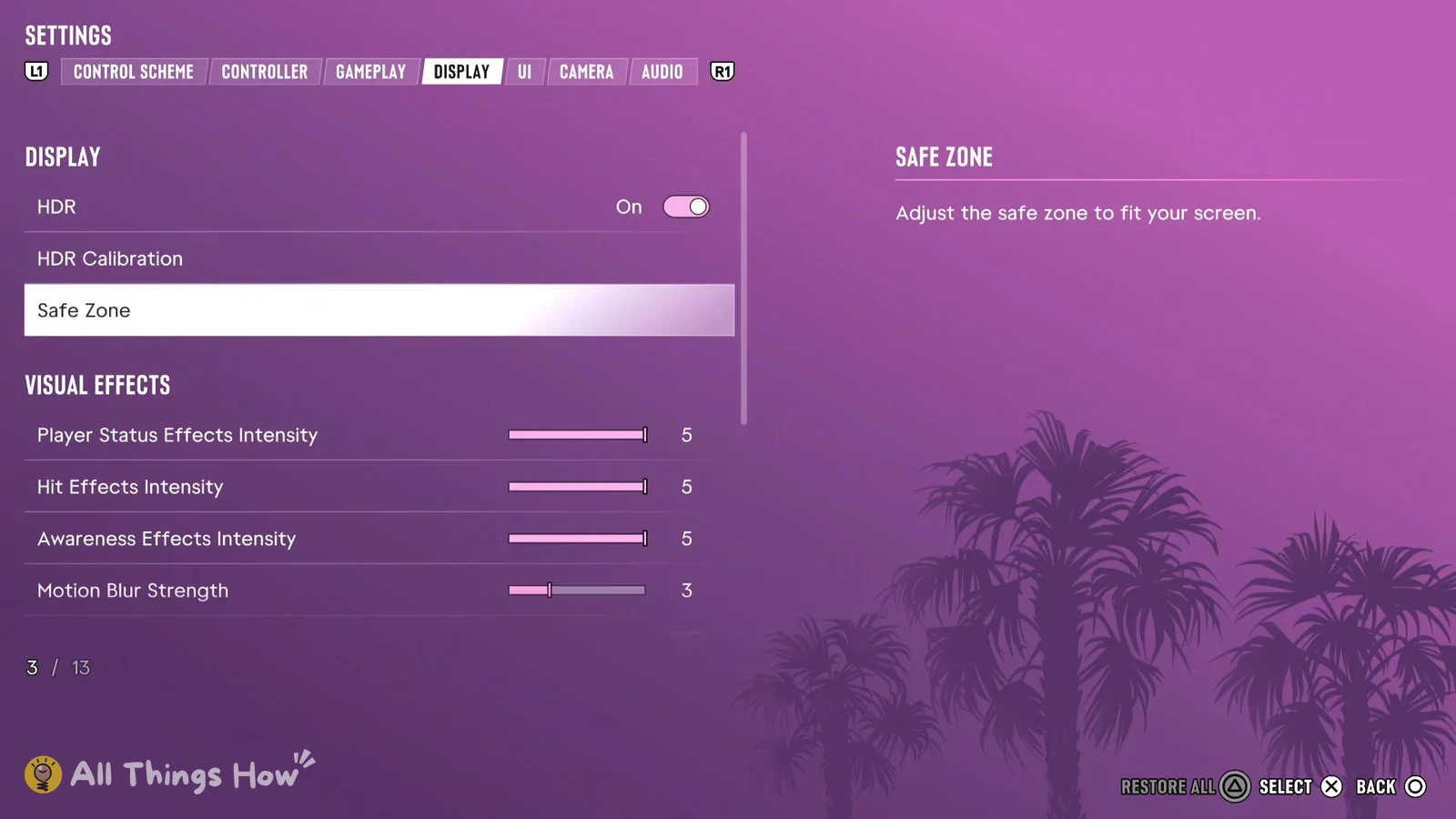
Open Settings and go to System > Power Saving > Features Available in Rest Mode. Find it once before launch night rather than hunting for it while the download waits.
Turn on Stay Connected to the Internet. Without it, the PS5 drops its link when it rests, and the download stalls until you wake the console.
Put the console in rest mode. The download carries on while the PS5 sits in its low-power state.
If you are away from home, you can still start it from your phone. In the PlayStation App, go to Game Library > Purchased > GTA 6 and pick Download to Console. The app sends the order to the console at home, so you can walk in to a finished game.
Xbox sleep mode downloads
Go to Settings > General > Power options and set the power mode to Sleep. With that on, downloads keep going after you turn the console off. You can also start the install from the Xbox app on your phone by choosing Download to console, which lets you queue the game from anywhere.
Storage space and data caps
Make room for the whole game before you start downloading, rather than clearing space partway through. GTA 6 uses over half of the usable storage on an Xbox Series S, which has a 512 GB drive, and a download that runs out of room halfway will stop and leave you clearing space under pressure. You must clear the space first, then start.
All 210 GB also counts against your monthly data allowance if your internet plan has one. If you are on a capped plan, check how much you have left for the month before you hit download, since one game can eat most of a month's allowance in one go.