GTA 6 Gameshare on PS5 and Xbox Guide
GTA 6 can be shared with one other console per platform, using Console Sharing and Offline Play on PS5 or the home Xbox setting on Xbox Series X|S.
Share With One Console
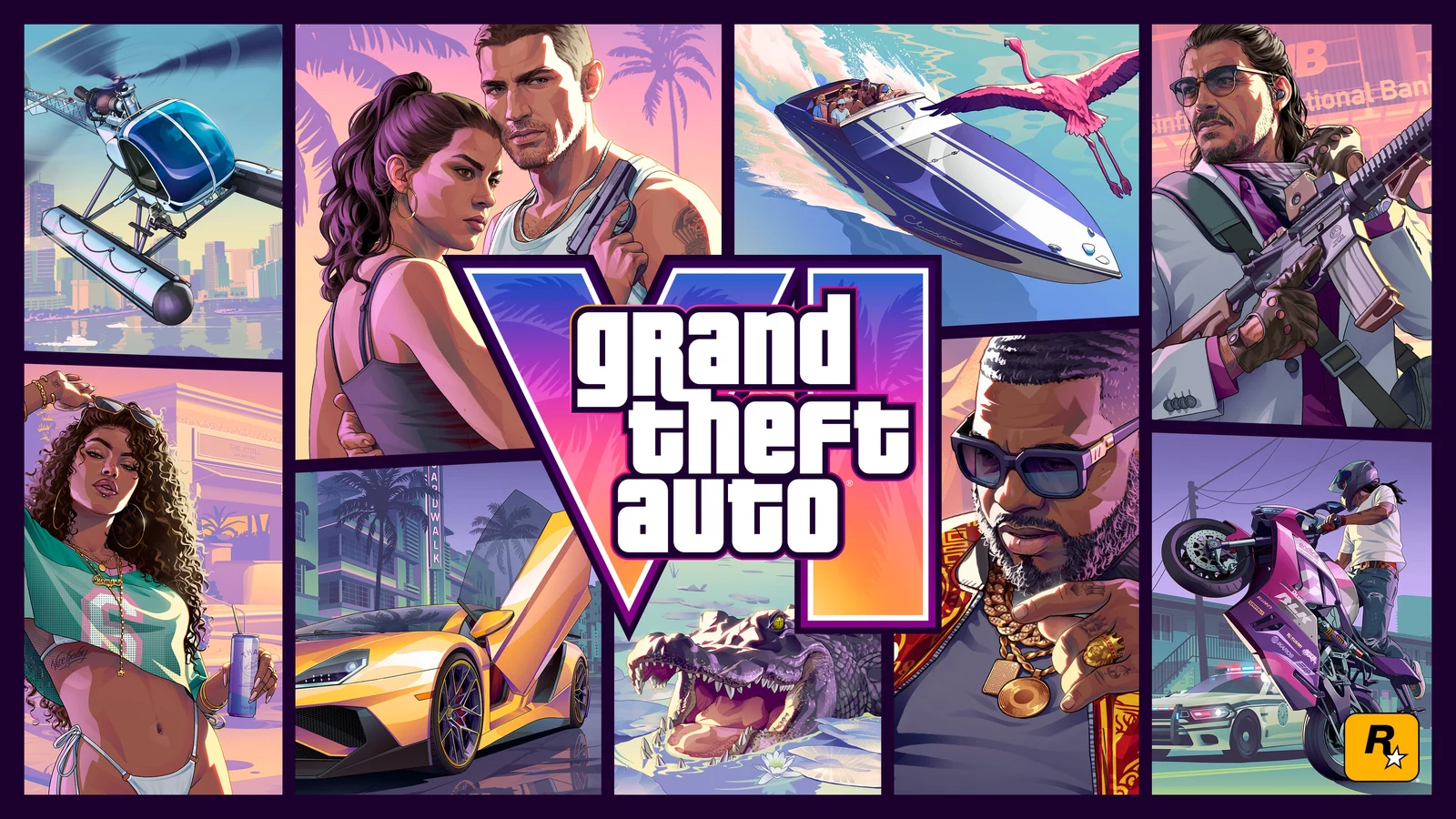
GTA 6 launches on November 19th, 2026, and if you buy it digitally, you can share it with one other console on the same platform. Sony and Microsoft both build this into their consoles. On PS5 the feature goes by the name Console Sharing and Offline Play, and on Xbox Series X|S it goes by the name Home Xbox.
GTA 6 gameshare works in a few clear steps. Sign in with the account that owns GTA 6 on the other console, turn on Console Sharing and Offline Play on PS5 or Make this my home Xbox on Xbox, then download the game. The download has to happen under the owner account on the console that receives the game. GTA 6 is a single-player game, so whoever plays on the second console gets their own save and does not touch yours.
Gameshare Rules Compared
| Rule | PS5 | Xbox Series X|S |
|---|---|---|
| Feature name | Console Sharing and Offline Play | Home Xbox |
| Shared consoles per account | One | One |
| How often you can switch | Disable on the old PS5 first | Up to five times a year |
| Owner's own console | Must be online to check the license | Any other Xbox, signed in online |
| Works offline | Yes, on the shared PS5 | Works without the owner signed in |
You cannot share across platforms, so a PS5 copy cannot go to an Xbox or the other way around. On Xbox, the five-switch limit counts over any one-year period, and Xbox customer support cannot give you extra switches if you run out. A PS5 also turns on Console Sharing and Offline Play by itself the first time an account signs in on it.
Share on PlayStation
Do all of this on the PS5 that gets the game, not the one you normally play on. The receiving console needs the owner account and the sharing switch, while your own console needs nothing new at all.
Sign in with the PlayStation account that bought GTA 6. It is fine if the other person already has their own profile on that console. Make sure you use the account that paid.
Open Settings and go to Users and Accounts > Other > Console Sharing and Offline Play. The path runs through the settings menu in that order, and each step narrows the list until you reach the sharing option.
Select Enable. If it is already turned on somewhere else, go to that old PS5 and select Disable there first. The account can only share with one console at a time, so the old console has to let go before the new one can take over.
Download GTA 6 from the owner account's Game Library. Let the download finish before you switch profiles. The library holds the digital purchase, and the download pulls the full game onto the receiving console.
You will know it worked when the other person can start GTA 6 from their own profile on that PS5. You can keep playing on your own PS5 by signing in to your account there, as long as that console is online so it can check the license.
Signing in on someone else's PS5 gives that console access to your account and the payment method saved to it, so set a purchase passcode or remove saved cards before you do it, and only share with someone you trust. A passcode blocks careless purchases, and removing a saved card takes the risk away entirely.
Share on Xbox
On Xbox, the console you set as your home Xbox is the one that gets your games for everyone who signs in on it, even when you are not signed in yourself. Set it up on the console that should receive GTA 6.
Use the Microsoft account that owns GTA 6 to sign in. The account has to match the purchase, or the home setting will share the wrong library and GTA 6 will not show up.
Press the Xbox button on your controller to open the guide. The guide slides in from the side and gives you quick access to profiles, settings, and the store.
Go to Profile and system > Settings > General > Personalization > My home Xbox. Follow that path in order, and each menu should lead you one step closer to the home setting.
Select Make this my home Xbox. Every time you do this on a new console it counts toward your five switches for the year. Think about whether this console deserves one of those switches before you confirm.
Install GTA 6 from the owner's library on that console. The library lists the digital games tied to the owner account, and GTA 6 should sit there ready to install. Let the install run to the end.
Once it is installed, anyone who signs in on that Xbox can launch the game from their own account. You can still play on any other Xbox as long as you are signed in and online.
What Stays Behind
The other person using the shared console gets the base game and begins with a fresh save. Sharing covers the game, but not necessarily every part of the purchase. Microsoft says some pre-order rewards, special edition items that can only be redeemed once, and in-game currency may not be shared. For GTA 6, the account that paid will probably keep the pre-order bonus called Vintage Vice City Pack, plus the Ultimate Edition extras. Check in the game to see if that works differently once you are playing.