GTA 6 How to Preload on Xbox Series X S
GTA 6 preloading opened on Xbox Series X|S on November 10, 2026, and the install runs from My games and apps through the Full library and Install all.
GTA 6 Preload on Xbox
GTA 6 preload on Xbox opened early, and Xbox Series X|S preloading for Grand Theft Auto VI began worldwide on Tuesday, November 10, 2026, at 00:00 UTC, which reads as 12:00 AM GMT. The game becomes playable at 12:00 AM on November 19, 2026, according to your local clock.
GTA 6 preload on Xbox has a quick answer that fits in one breath. Open My games and apps, go to Full library, then All owned games, select Grand Theft Auto VI, choose Install all, and pick a drive, and the download then appears in your Queue.
Preload Requirements on Xbox
GTA 6 preload on Xbox needs ownership first, and the game must already belong to the Xbox account signed in on your console for preloading to work, since you cannot preload a copy you do not own. Either of two things qualifies, and the first is a digital pre-order bought from the Xbox store. The second is a redeemed code from the boxed code-in-box edition, which does the same job once you type the code in and the store accepts it. Boxed copies hit retailers from November 12 and hold a download code, not a disc, and you have to redeem that code on your account before the game shows up as owned. Must you redeem the code on the same account you play on? Yes, and a code redeemed on a different account leaves the game owned elsewhere.
Check Xbox Storage First
GTA 6 preload on Xbox needs space, and Rockstar lists GTA 6 at up to 212 GB, with the requirement varying by device, so some consoles have a lot of space to spare and others do not.
| Console | Usable space | Room after GTA 6 |
|---|---|---|
| Xbox Series S (512 GB) | About 364 GB | About 152 GB |
| Xbox Series S (1 TB) | About 802 GB | About 590 GB |
| Xbox Series X | About 802 GB | About 590 GB |
GTA 6 preload on Xbox runs only from fast storage, so install GTA 6 on the internal SSD, and a Storage Expansion Card stands as the other place it can run from. An external USB drive can store the game, but it cannot run from that drive. To make room, open My games and apps, choose Manage, and select Free up space, and you can also remove games you are not playing and download them again later. GTA 6 preload on Xbox on a 512 GB Series S leaves about 152 GB free, and that margin shrinks fast once a day-one patch lands.
Preload on the Console
GTA 6 preload on Xbox follows a short path through the guide, and the steps below walk it in order. Press the Xbox button on your controller, and open My games and apps from the guide. Choose See all, and this opens your full collection. Go to Full library, then select All owned games, so GTA 6 should sit in that list if the purchase went through. Select Grand Theft Auto VI, and if it does not sit on the list, the purchase or code redemption has not gone through on this account. Choose Install, which may show as Install all, and then pick the drive you want to use, either the internal SSD or a Storage Expansion Card if you want to play from it. You will know it worked when Grand Theft Auto VI appears in the Queue under Manage, with download progress shown beside it.
Preload from the Mobile App
GTA 6 preload on Xbox also works away from the TV, and the Xbox mobile app gives you a remote route to the same download. Not by your TV? Find Grand Theft Auto VI in the Xbox mobile app, open the game page, then tap Download to console, and the app sends the install command to your console over the internet. Your console needs remote features enabled and must sit powered on or set to Sleep mode, since a console fully shut down cannot receive the command. GTA 6 preload on Xbox through the app suits anyone stuck at work or out of the house on November 10, and a tap on the phone starts a download that finishes before you get home. Try to check the remote settings before you need them, because a console with remote features off will ignore the app, and the fix takes a visit to the settings menu on the console itself.
Day One Patch Automatically
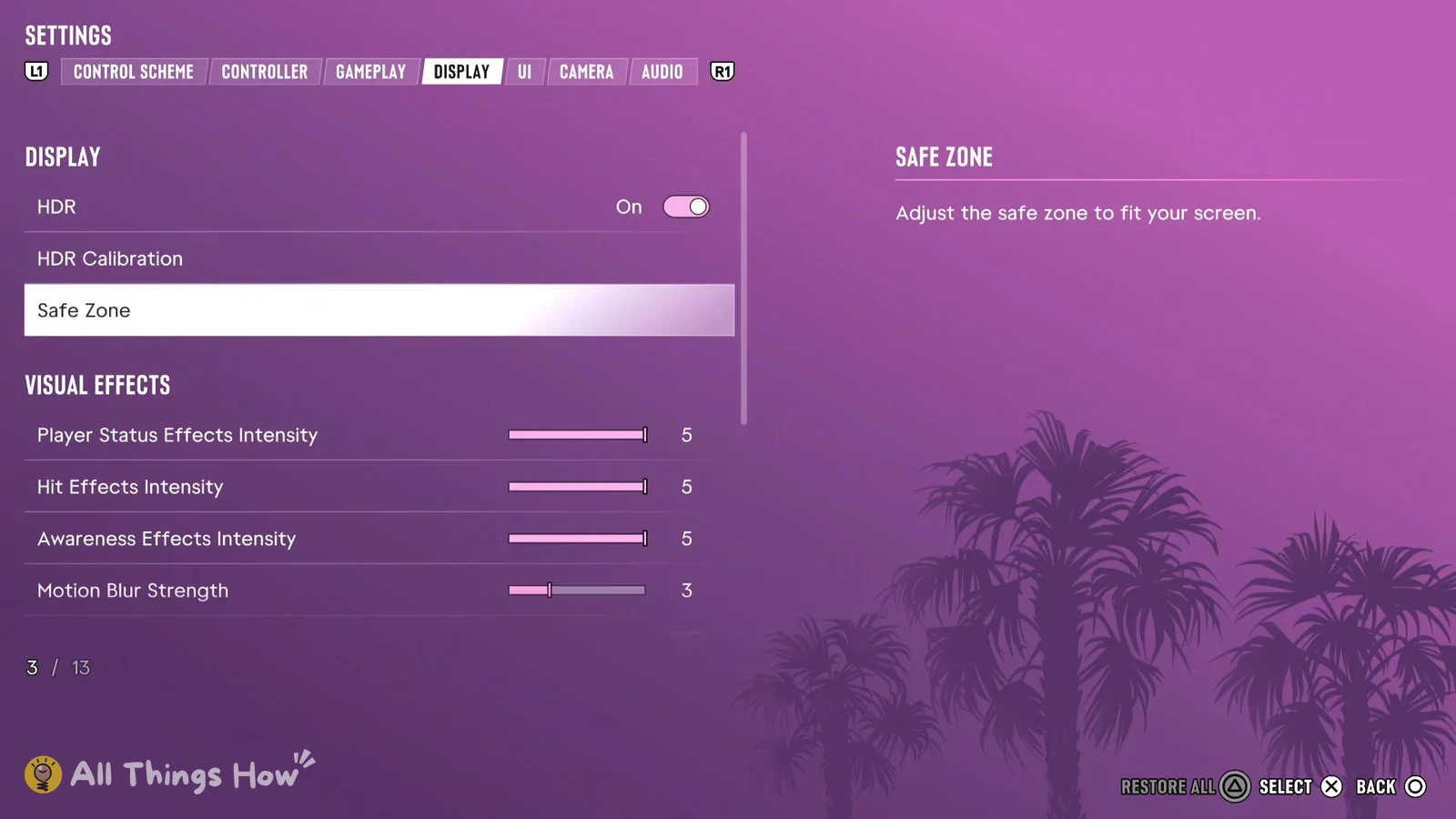
GTA 6 preload on Xbox still leaves the day-one patch to handle, and a day-one patch is expected, so keep the console online in the run-up to November 19 rather than letting it sit offline. Turn on Settings, then System, then Updates, then Keep my games and apps up to date, and set the power mode to Sleep. That way the game stays current when it unlocks at midnight your local time, and you open it to a ready game instead of a patch queue. Could the patch still land on launch day? Yes, and a patch that drops on November 19 will download while you sleep if the console sits in Sleep mode.