GTA 6 Retry or Skip Checkpoint After Failing
GTA 6 offers three choices on the mission failed screen, with Cross retrying the checkpoint, Square skipping it, and Triangle restarting the mission.
Fail Screen Buttons
GTA 6 checkpoint failure does not send you all the way back to the start of a mission. The fail screen gives you three ways to continue, and the pause menu lets you jump back to your last checkpoint even when the mission runs on. I think that design suits a long story mission, where a late slip would feel cruel if it wiped twenty minutes of play.
On the mission failed screen, press Cross to retry the checkpoint, Square to skip it, or Triangle to restart the mission. To retry before failing, press Options and pick Retry Checkpoint. Try to learn the fail screen trio first, because that screen appears the moment things fall apart, and you will reach for a button without thinking.
The button prompts below are for the default PS5 controls. They show up in the bottom-right corner of the screen once the mission has failed. The prompts appear only after the fail lands, which means the screen stays clean while you play and fills in when you need it.
| On-screen option | Button |
|---|---|
| RETRY CHECKPOINT | Cross |
| SKIP CHECKPOINT | Square |
| RESTART MISSION | Triangle |
Wait for the large pink "FAILED" banner to show up over the game. It appears the moment the mission fails, and you do not need to press anything yet. The game waits for you here, so there is no rush to hit a button while the banner still fills the screen.
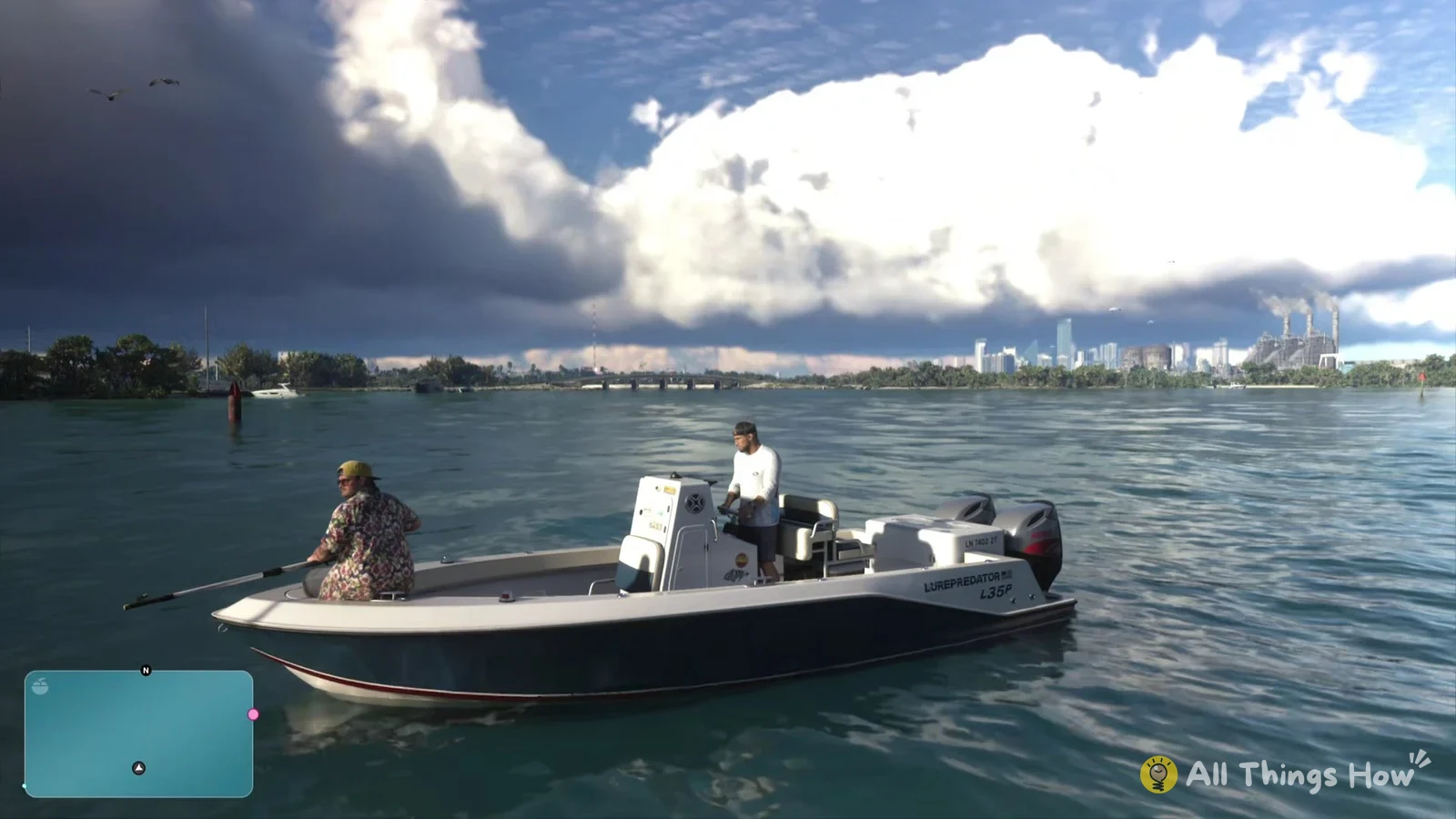
Read the reason printed under the banner after the screen goes black. It tells you what went wrong. If your boat runs aground on a mangrove island in "Gone Fishing", for example, the line reads "THE BOAT COULDN'T BE DRIVEN." In my view, that short line earns its place, because a bare "FAILED" would leave you guessing at what went wrong.
Press Cross to retry from the last checkpoint. If you want to move past that part instead, press Square for Skip Checkpoint. To start the whole mission over, press Triangle. Cross keeps you in the fight at the last checkpoint, Square pushes you forward past it, and Triangle wipes the mission back to its opening.
Retry Checkpoint takes a few seconds to load. Then you are put back at the start of the section where you failed, with that section's objective and dialogue playing again. In "Gone Fishing", that means you are back in the boat with the objective "Follow the plane" on screen.
Skip Checkpoint moves you on to the next checkpoint, which is not always past the hard part. In "Gone Fishing", the shootout outside Donnie's shack fails with "DONNIE DIED." if he goes down. One skip there only moved us forward a single step, to grabbing an item inside the shack, so we had to fight again. After the next fail, Square skipped the shootout completely and put us on the jetty with the objective "Get in the sea plane".
Skip Checkpoint only shows up on the fail screen. It is not in the pause menu, so if you want to skip a section, you need to fail it first and choose Square. That limit shapes how you use the option, because you cannot open the pause menu mid-mission and skip ahead from there. Could that feel odd the first time you meet it? Probably, yet the rule stays firm, and the pause menu offers retry and restart only.
Retry From Pause Menu
If you are stuck or a section is going badly but the mission has not failed yet, you can reload the checkpoint yourself. The pause menu has a mission panel on the right side that shows the current chapter and mission name, like "CHAPTER 1" and "Gone Fishing", with "Retry Checkpoint" and "Restart Mission" listed under it. That panel sits apart from the main list on the left, and it names the mission you are in before it offers either option.
Press Options during the mission to open the pause menu. Look for the mission panel on the right side of the screen. Options opens the pause at any point in the mission, and the panel appears with it, which means you can bail on a bad section before the game calls a fail.
Push the left stick right to move the cursor onto Retry Checkpoint. The cursor starts on the list on the left, with Map selected, so it will not be on the mission panel until you move it there. A push to the right shifts the cursor across to the panel, and only then does Retry Checkpoint become selected.
Press Cross with Retry Checkpoint selected. The game reloads the last checkpoint the same way it does from the fail screen. If you would rather start the mission from the beginning, move down to Restart Mission and press Cross on that instead. The reload itself matches the fail screen route, while Restart Mission clears the whole run and starts the mission over from its opening.